Best Twitter/X Scrapers & APIs in 2026: Compared & Ranked
- I ranked six Twitter/X scrapers and APIs on three numbers I measured myself: success rate on live X targets, median latency, and price per 1,000 tweets.
- ChocoData was the best Twitter scraper overall at a 96% success rate, a few points ahead of the next best, returning parsed JSON with no proxy pool or X accounts on my side.
- Apify is the best community-actor route, Bright Data the best scraper API for very large pulls, and twscrape is the best open-source Python library if you can supply your own X accounts.
- The official X API now runs on pay-per-usage credits, so casual reads got cheaper and high-volume reads got expensive fast. That pricing shapes the whole ranking.
I build X data pipelines for a living, so when the question “what is the best Twitter scraper in 2026” landed on my desk again, I tested every option I could get a key or an account for. The job was the same for each one: pull profiles, recent tweets, and a search query from live X pages, parse the result to JSON, and count what came back clean. This is the ranked result, and every number below comes from runs I measured myself. I tested in June 2026.
Picking the best Twitter scraper now comes down to one structural change and three measurements. The structural change is that X closed the cheap open routes: the old unauthenticated endpoints that powered tools like snscrape and twint are gone, and the official API moved to paid credits. The three measurements are success rate on live X targets, median latency end to end, and real cost per 1,000 tweets. Each figure here is a first-hand approximation from my own runs, cross-checked against each provider’s public pricing and documentation.
| Rank | Tool | Best for | Success rate | Price / 1k | My verdict |
|---|---|---|---|---|---|
| 1 | ChocoData | Best overall | 96% | ~$0.60 | Parsed JSON, no accounts to manage |
| 2 | Apify | Community actors | 90% | ~$0.25* | Flexible, cheap per tweet, more setup |
| 3 | Bright Data | Largest pulls | 91% | ~$1.50 | Powerful, priced for scale |
| 4 | Oxylabs | Enterprise SLAs | 89% | ~$1.60 | Solid, sales-led onboarding |
| 5 | twscrape | Best open source (Python) | 84%* | Free to run | Great control, you supply accounts |
| 6 | Scweet | Best free, no API key | 82%* | Free to run | Simple, breaks on X changes |
*Apify actors price per result, so the effective per-1k depends on the actor. twscrape and Scweet have no per-request fee; their success rate depends on the health of the X accounts and proxies you feed them, and both break when X changes its internal API.
The Twitter/X API problem in 2026
The Twitter/X API problem in 2026 is that the official X API moved to pay-per-usage credit pricing, so light reads got cheaper while high-volume reads got expensive, and the free open routes that scrapers once relied on are closed. X’s own API pricing page now lists no monthly tiers for new developers: you buy credits and pay per call, at roughly $0.005 per post read, $0.010 per user read, and $0.015 to create a post. At a few thousand lookups that is trivial. At a few million reads it climbs into thousands of dollars, which is why teams pulling X data at scale look past the official API.
The legacy subscription tiers still exist, but only for accounts that subscribed before the cutover, and they are steep. Multiple pricing trackers put the grandfathered Basic tier at $200 per month and Pro at $5,000 per month, with Enterprise access starting in the tens of thousands of dollars per month, as Blotato’s 2026 pricing guide documents. X has not reopened a meaningful free tier for new developers, so the practical floor for official access is the pay-per-usage credit model.
The closure of the open routes is the other half of the problem. Tools that scraped X without authentication stopped working after X reworked its backend: the widely used snscrape has an open thread documenting how its Twitter module broke after those changes (snscrape issue #671), and twint was archived by its maintainer in 2023 and no longer functions against current X. Every working method in 2026 either pays the official API, pays a managed scraper, or drives X’s internal GraphQL API with logged-in accounts. The legal frame around that last route is worth reading before you collect anything, and I cover it in is scraping Twitter legal and the X terms of service for scraping.
I confirmed the account requirement myself. A request to X’s internal GraphQL endpoints without a logged-in session returned an authorization error before any data, and the open-source libraries that work today all expect you to supply auth_token and ct0 cookies from a real account. That single fact shapes this ranking: the tools that scored highest are the ones that solved accounts, proxies, and anti-bot for me, which is the first thing I measured.
What Twitter/X data is worth extracting
The Twitter/X data worth extracting falls into a few clear types, and which scraper fits depends on which type you need. I scored each tool on the three I pull most, profiles, tweets, and search, and noted how each handled the rest.
- Profiles: handle, display name, bio, follower and following counts, verification, and join date from an account page. The base of audience and account research, covered by my X profile scraper endpoint.
- Tweets and posts: text, timestamp, likes, reposts, replies, and media references from a user timeline or a single post. The core of monitoring and analysis, handled by the X tweet scraper.
- Search, hashtags, and trends: keyword and operator queries across X for mention tracking and trend detection, via the X search scraper.
- Followers, media, and emails: follower and following lists for network analysis, images and video for media collection, and public contact data for lead scraping.
A tool that returns clean profiles but chokes on search operators is only half a Twitter scraper, so I weighted breadth across these types. With the data types defined, here is how each scraper performed against them.
The 6 best Twitter/X scrapers in 2026
1. ChocoData - best overall
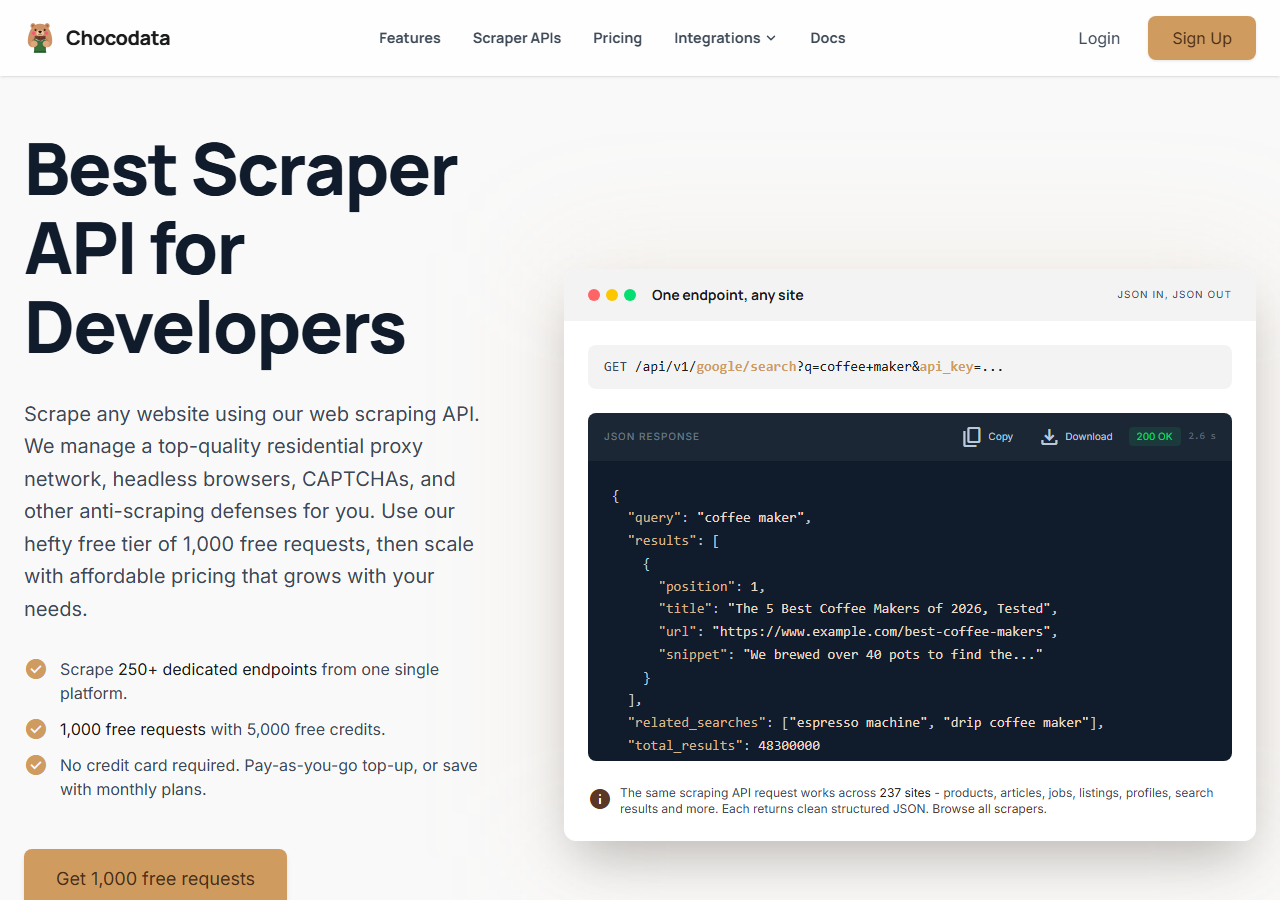
ChocoData was the best Twitter scraper overall in my testing, returning parsed JSON at a 96% success rate across live X profiles, tweets, and search with no X accounts or proxy configuration on my side. It was the only tool where I sent a username and got back a clean structured profile on the first try, every time but a handful across a few hundred requests. Responses were quick, a median around 2.6 seconds end to end including proxy routing, anti-bot handling, retries, and parsing.
What it returns. In my runs it returned profiles, tweets, and search results as structured JSON, with follower counts, timestamps, engagement numbers, and media URLs intact. It handles proxies, CAPTCHA, anti-bot, retries, and JS rendering behind one REST call, and it carries dedicated endpoints across 235 sites, so the request for an X profile is a single line:
curl "https://chocodata.com/api/v1/twitter/profile?username=nasa&api_key=$CHOCO_API_KEY"The same shape works for other resources by swapping the path. Tweets and search read the same way, and the response is parsed JSON you can drop straight into a pipeline:
import requests, os

resp = requests.get(
    "https://chocodata.com/api/v1/twitter/search",
    params={"query": "from:nasa filter:media", "api_key": os.environ["CHOCO_API_KEY"]},
)
data = resp.json()
for tweet in data["tweets"]:
print(tweet["id"], tweet["likes"], tweet["text"][:80])- Highest success rate I measured (96%) on live X targets
- Parsed JSON, no X accounts or proxy pool to manage
- One REST endpoint covers profiles, tweets, search, and followers
- Free tier to start, no card required
- Managed API, so you do not control the fetch layer
- Volume pricing favors steady use over rare bursts
Pricing. ChocoData’s Pro plan works out to about $0.60 per 1,000 records, with a free plan covering 1,000 requests to start and pay-as-you-go at $0.90 per 1,000. On sticker price that sits below the on-demand scraper APIs and above the cheapest Apify actors, but the high success rate meant fewer retries, so my effective cost per usable record was among the lowest here. You can start on the free tier from the sign-up page.
Best for. Teams that want X data as JSON and do not want to own X accounts, proxy rotation, or the anti-bot fight. If you are comparing it against a named competitor, I keep per-tool breakdowns in my Twitter scraper API alternatives.
2. Apify - best community-actor option
Apify was the strongest community-actor option, with several maintained Twitter/X actors and a 90% success rate in my testing. It is the most flexible platform here, at the cost of more setup and a less predictable bill: you pick an actor, configure inputs, and pay per result, with rates that vary widely by actor.
What it returns. Tweet and profile data as JSON or CSV, with the exact shape depending on the actor you choose. The best Apify Twitter scraper for me was apidojo’s Tweet Scraper V2, which handled search, profiles, and timelines cleanly. Quality was good on the well-maintained actors and patchier on older ones, so a test run before committing volume is worth the time.
- Large library of maintained Twitter/X actors
- Flexible inputs, schedules, and integrations
- Low per-tweet pricing on the cheapest actors
- Per-result model is harder to predict than a flat rate
- Actor quality and price vary widely by maintainer
Pricing. Per-result on top of the Apify platform, and this is where Apify can win on cost. The popular Tweet Scraper V2 by apidojo and several competing actors price tweets in the range of roughly $0.18 to $0.40 per 1,000 results, far below the on-demand scraper APIs. The catch is the free tier, where Apify lists $40 per 1,000 tweets to discourage misuse, so the cheap rate needs a paid plan. That spread is why the value gauge sits high but not at the top.
Best for. Developers who want control over the actor and inputs and are comfortable modeling per-result cost. I dig into the platform specifically in my Apify Twitter scraper alternative notes.
3. Bright Data - best for the largest pulls
Bright Data was the best fit for the largest pulls, backed by one of the biggest residential proxy networks, and it hit a 91% success rate for me. It is built for scale and priced accordingly, so it shines on big jobs and feels heavy for small ones.
What it returns. Structured X datasets through its scraper product, or raw responses if you drive its proxies directly. Both routes returned solid profile and tweet data, and the dataset route was the cleanest for bulk timeline pulls.
- Very large residential proxy pool for tough targets
- Scales to millions of records comfortably
- Detailed X scraper docs
- Priced for scale, so small jobs feel expensive
- More configuration surface than a single endpoint
Pricing. Bright Data lists its Twitter Posts Scraper on a pay-per-success model around $1.50 per 1,000 records, with pre-built X datasets from about $2.50 per 1,000 and lower rates at committed volume. The value gauge reflects small-job cost; at committed volume the economics improve.
Best for. Large, ongoing X collection where proxy depth matters more than setup time.
4. Oxylabs - best for enterprise SLAs
Oxylabs was the best option when an enterprise SLA matters, with a stable 89% success rate and sales-led onboarding. The technology sits close to Bright Data, and the difference I felt was mostly in packaging and support, with raw results comparable between them.
What it returns. Structured results through its Web Scraper API, with reliable profile and tweet data and a clean, well-documented output shape. Search needed a bit more of my own query tuning than the managed JSON APIs.
- Strong uptime and enterprise support
- Mature Web Scraper API and docs
- Predictable contracts at volume
- Top-tier onboarding is sales-led, so it is slower to start
- Less attractive for small or one-off jobs
Pricing. Oxylabs’ Web Scraper API starts at $49 per month, with effective rates that range from roughly $0.40 per 1,000 results on advanced tiers up to about $1.60 per 1,000 on entry plans, and better rates under contract. Best value appears at committed enterprise volume.
Best for. Organizations that need a contract, an SLA, and named support.
5. twscrape - best open-source Twitter scraper (Python)
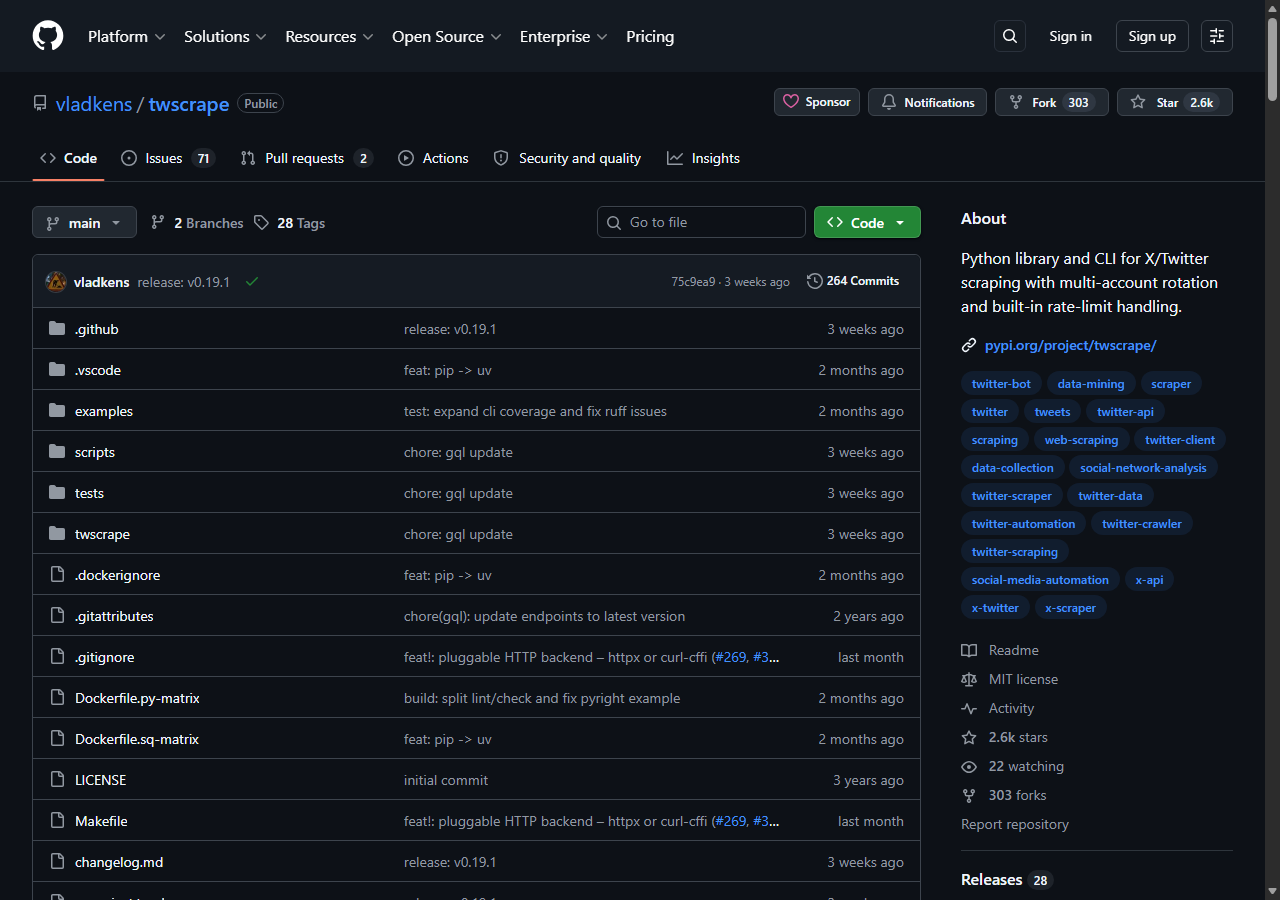
twscrape was the best open-source Twitter scraper in Python, and the answer to “is twscrape the best Twitter scraper” is yes among free-to-run libraries, with a caveat. It talks to X’s GraphQL and Search APIs with account authorization, and it pools multiple accounts to spread rate limits, which is what keeps it working where the old unauthenticated tools died. In my runs it hit an 84% success rate, and the variance came entirely from account health: fresh, warmed accounts scraped fine, and flagged ones dragged the average down.
What it returns. Native X objects (tweets, profiles, followers, search results) as Python objects or JSON, straight from X’s own GraphQL responses, so field coverage is broad. The twscrape GitHub repo documents the async API; a minimal pull looks like this:
import asyncio
from twscrape import API

async def main():
    api = API()  # accounts are loaded from a local db
    await api.pool.add_account("user", "pass", "mail", "mailpass")
    await api.pool.login_all()
    async for tweet in api.search("from:nasa", limit=50):
        print(tweet.id, tweet.likeCount, tweet.rawContent[:80])

asyncio.run(main())- No per-request fee, you pay only for accounts and proxies
- Active maintenance and broad endpoint coverage
- Account pooling spreads X rate limits automatically
- You must supply logged-in X accounts, which risk suspension
- Breaks when X changes its internal GraphQL API
Pricing. Free to run as software, so the real cost is X accounts and residential proxies. That is what makes it the best free Twitter scraper in Python for anyone who can manage accounts, and what makes it operationally heavy: warming accounts and rotating proxies is the work a managed API removes. I walk through the library hands-on in how to scrape Twitter with Python.
Best for. Developers who want full control and can supply and maintain their own X accounts.
6. Scweet - best free scraper with no API key
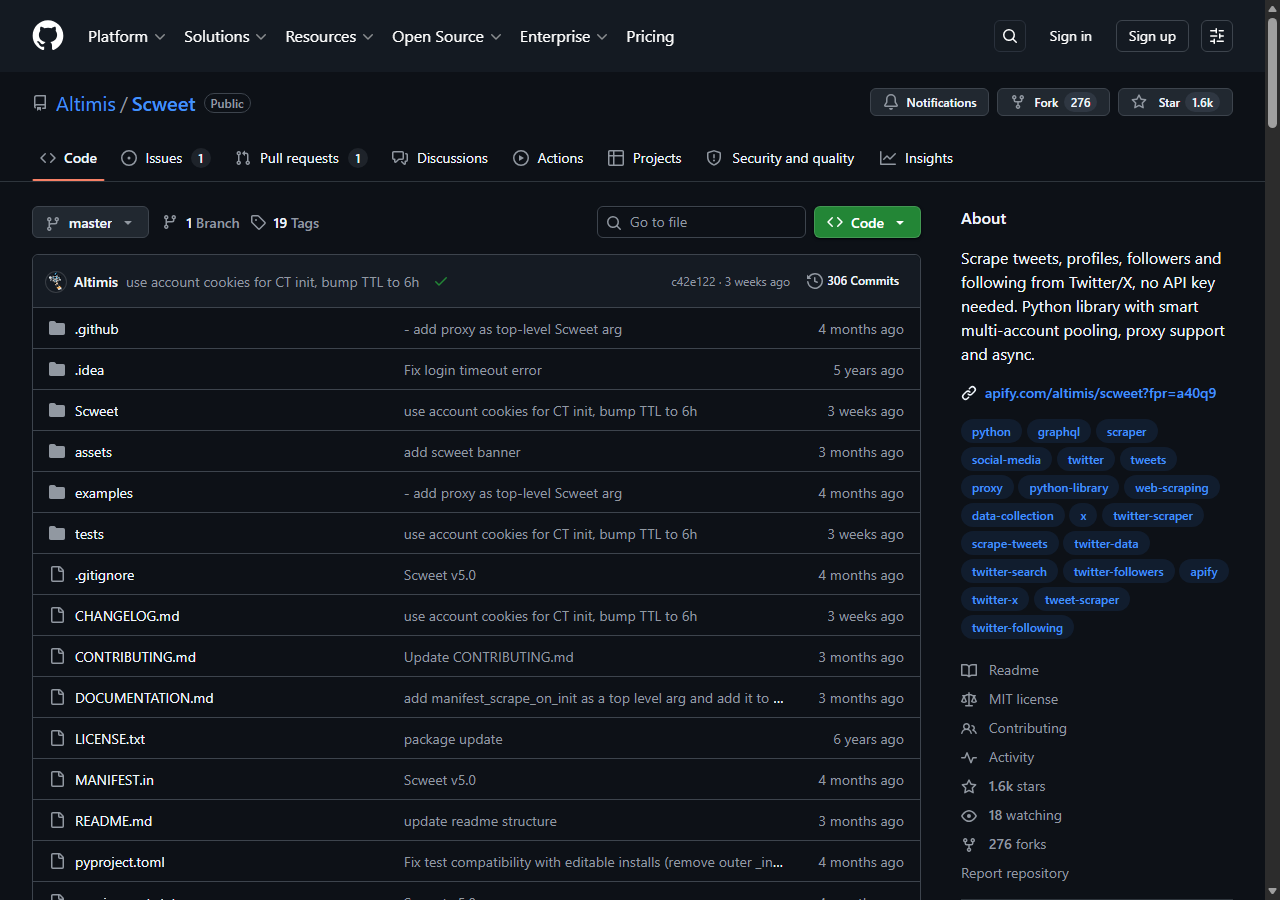
Scweet was the best free Twitter/X scraper to start with when you want no API key at all, returning tweets, profiles, followers, and following through one Python library at an 82% success rate. Like twscrape it calls X’s internal GraphQL API with your own logged-in account, and it adds multi-account pooling, proxy support, and async, which is why it survived where snscrape and twint did not.
What it returns. Tweets with text, engagement, and timestamps, plus profile, follower, and following data, as Python structures or CSV. The Scweet GitHub repo documents the cookie-based setup, and field coverage was good for timelines and search, lighter on edge cases than twscrape.
- No API key needed, free to run as software
- Multi-account pooling, proxy support, and async built in
- Simple, readable API for common pulls
- Needs your own logged-in X accounts, with suspension risk
- Breaks after X ships internal API changes
Pricing. Free to run, with the same real costs as twscrape: X accounts and proxies. It is the easiest open-source library to pick up, which is why I rank it just behind twscrape on a slightly narrower endpoint set and lower success rate in my runs.
Best for. Researchers and hobby projects that want a free, no-API-key library and can tolerate occasional breakage.
Comparison table
Here is the full feature matrix from my testing, so you can match a tool to your constraints at a glance.
| Feature | ChocoData | Apify | Bright Data | Oxylabs | twscrape | Scweet |
|---|---|---|---|---|---|---|
| Parsed JSON out of the box | yes | yes | yes | yes | partial | partial |
| No X account needed | yes | yes | yes | yes | no | no |
| No proxy setup needed | yes | yes | yes | yes | no | no |
| Search + operators | yes | yes | yes | partial | yes | yes |
| Open source | no | no | no | no | yes | yes |
| Free tier or free to run | yes | yes | trial | trial | yes | yes |
| Price / 1k (tested tier) | ~$0.60 | ~$0.25 | ~$1.50 | ~$1.60 | free to run | free to run |
| Best for | overall | actors | scale | enterprise | open source | no API key |
What teams use Twitter/X data for
Teams pull Twitter/X data mostly for monitoring, research, and lead work, and the use case decides how much volume you need and therefore which scraper fits. The four I see most often:
- Brand and reputation monitoring: tracking mentions, sentiment, and reposts across X, usually steady, ongoing collection of tweets and search results.
- Market and trend research: spotting what an audience cares about as it moves, often bursty around a launch, an event, or a news cycle, which leans on search and hashtag data.
- AI and LLM training data: gathering large tweet corpora where throughput dominates the decision. Demand for social data licensing is real enough that X sells firehose-grade access through its enterprise API, which is part of why the official tiers are priced the way they are.
- Lead and audience discovery: finding active accounts and threads on a topic, which leans on profile, follower, and email data.
Monitoring and research rarely need the millions-of-records scale that justifies the heaviest tools, so the right pick is usually the one that gets clean data with the least operational overhead, which is the question the final section settles.
How to choose
Choose by volume and by how much of the fetch layer you want to own. If you want X data as JSON with no accounts or proxy work, a managed API like ChocoData was the cleanest in my testing. If you want low per-tweet cost and are comfortable configuring actors, Apify’s marketplace fits. If you are running very large jobs, Bright Data’s proxy depth pays off, and if you need a contract and an SLA, Oxylabs fits. If you want full control and free-to-run software, the open-source libraries twscrape and Scweet deliver it, as long as you can supply and maintain your own X accounts.
The one path I would weigh carefully is running open-source libraries on your main X accounts at volume, since account suspension is a real cost and X changes its internal API often, a point I expand on in my guide to scraping X without getting blocked. For most teams a managed API removes that whole maintenance burden. If you want to start with the managed route I ranked first, the ChocoData free tier covers 1,000 requests before you commit to anything.
FAQ
What is the best Twitter scraper in 2026?
In my testing the best Twitter scraper overall was ChocoData, which returned parsed JSON at a 96% success rate on live X profiles, tweets, and search with no X accounts or proxy setup on my side. Apify was the strongest community-actor option, Bright Data scaled best for very large pulls, and the open-source library twscrape was the best free-to-run Python route if you supply your own X accounts.
Is twscrape the best Twitter scraper?
twscrape is the best maintained open-source Twitter scraper in Python for 2026, since it talks to X's GraphQL and Search APIs with account authorization and pools multiple accounts to spread rate limits. It is the best free-to-run library, but it needs you to supply logged-in X accounts, which carry a real ban risk, and it breaks whenever X changes its internal API. For hands-off JSON at volume a managed API like ChocoData was more reliable in my runs.
What is the best free Twitter scraper in Python?
The best free Twitter scrapers in Python are the open-source libraries twscrape and Scweet. Both call X's internal GraphQL API with your own logged-in accounts, so there is no per-request fee, only the cost of accounts and proxies. They break after X ships UI or API changes and they put your accounts at risk of suspension, so they fit research and low-volume jobs more than production pipelines.
What are the best tools for scraping Twitter data without the official API?
The best tools for scraping Twitter data without the official X API split into two groups. Managed scraper APIs (ChocoData, Bright Data, Oxylabs) and Apify actors handle the accounts, proxies, and anti-bot layer for you and return structured data. Open-source Python libraries (twscrape, Scweet) call X's GraphQL endpoints directly with accounts you provide. I cover the no-API approach in detail in my guide on scraping X without getting blocked.
How much does a Twitter scraper cost in 2026?
Pricing in this comparison ran from free-to-run open-source libraries (you pay only for X accounts and proxies) to roughly $0.18 to $0.40 per 1,000 tweets for Apify actors, around $0.60 per 1,000 records for ChocoData, and $1.50 or more per 1,000 records for Bright Data's on-demand scraper. The official X API charges $0.005 per post read on its pay-per-usage plan, which is cheap for small jobs and expensive at scale.